Project // 1 // 0
Cyberdeck Red V2
An All-In-One Deck for Portable Prototyping
This project is a complete rebuild of the Original Cyberdeck Red posted on Hackaday for the first Cyberdeck 2022 Contest.
Although cool, there was a lot about the original that seemed inferior to what it was actually capable of becoming. There wasn't a single item on it that I didn't want to replace or redesign. It sat in the corner for awhile mocking me. Finally I had enough and started work again. Afterall, how long would it take to redo just a couple parts.
The reality is that even with all of the effort it took to make the first version, this thing wasn't even half way finished.
The original deck was based around the Raspberry Pi 4, which is Linux based. I think Linux is cool and all but none of the programs I use run on it.
I ended up replacing it with a LattePanda 3 Delta. It comes with Windows installed and as a bonus is considerably more powerful. I added an M.2 SSD to it and it's actually pretty spunky.
The 5W+5W amplifier was replaced with a 15W+15W amplifier and a proper set of stereo speakers. Additionally there are two exciters built into the stand which makes this thing thump.
The original projector was already 10 years old and a bit weak compared to more modern ones. It was replaced with a short throw projector, making a decent home theater system.
A matching custom split keyboard was also added which naturally has Cherry MX Red key switches.
Finally, the entire case was redesigned and reprinted. The ugly front facing screws are gone, and the center gap in the screen's bezel has been removed.
Updated features
- LattePanda 3 Delta with built-in Arduino Leonardo
- 10.1in 1024x600 touchscreen
- Analog Discovery 2 with oscilloscope, waveform generator, logic analyzer, network analyzer, spectrum analyzer, data logger, impedance analyzer, protocol analyzer, and programmable power supplies
- Great Scott Hack RF One 1 MHz to 6 GHz SDR
- Audio system with 15W+15W amplifier, OLED display, controls, four speakers, and two stand-mounted exciters
- Corne wireless split keyboard
- Short-throw projector for a second monitor or movies
- Magnetic top mount for swappable breadboards and future modules
- Opto-isolated USB ports, HDMI, card reader, SD card drawer, and access to Analog Discovery 2 pins
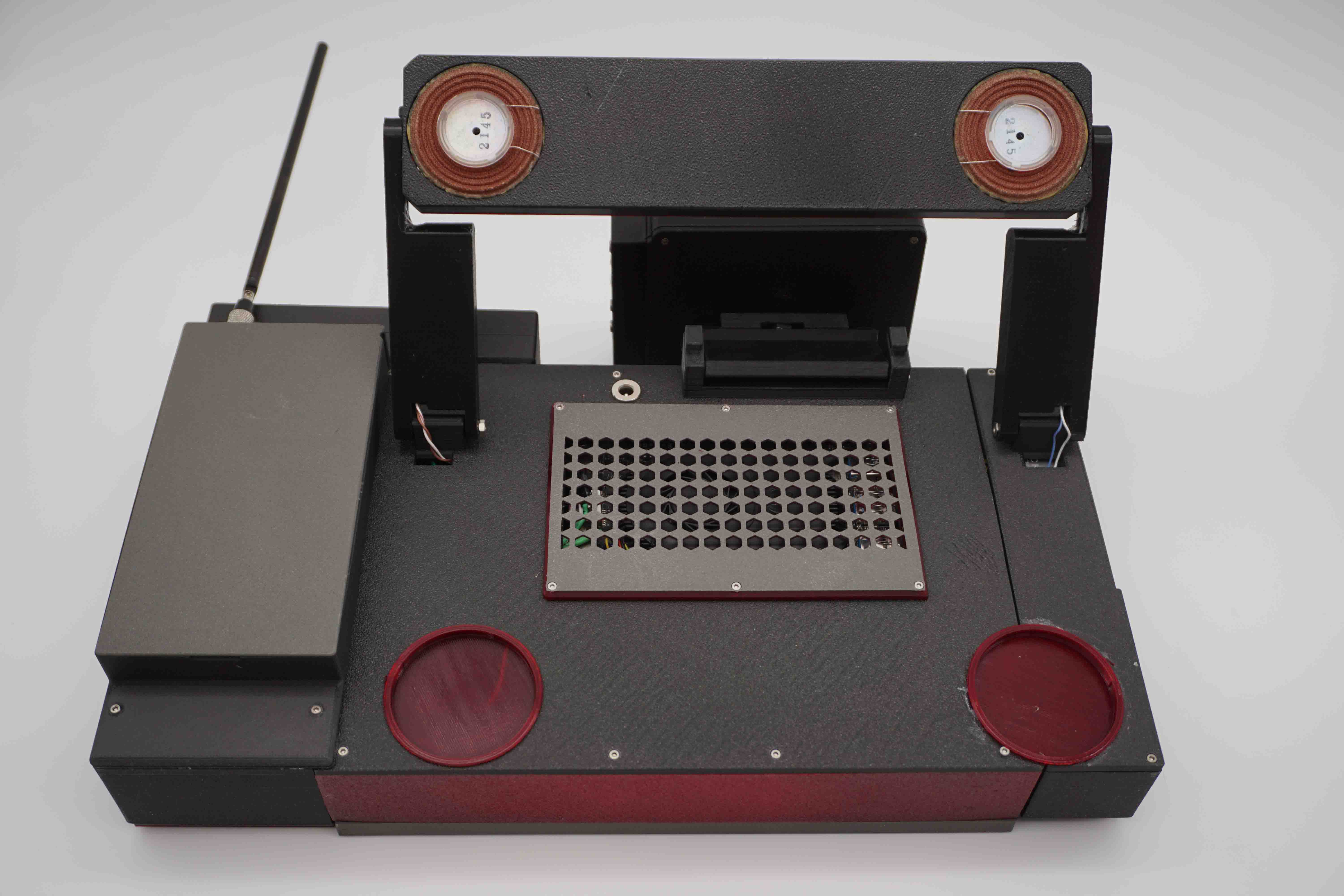
Front and back views
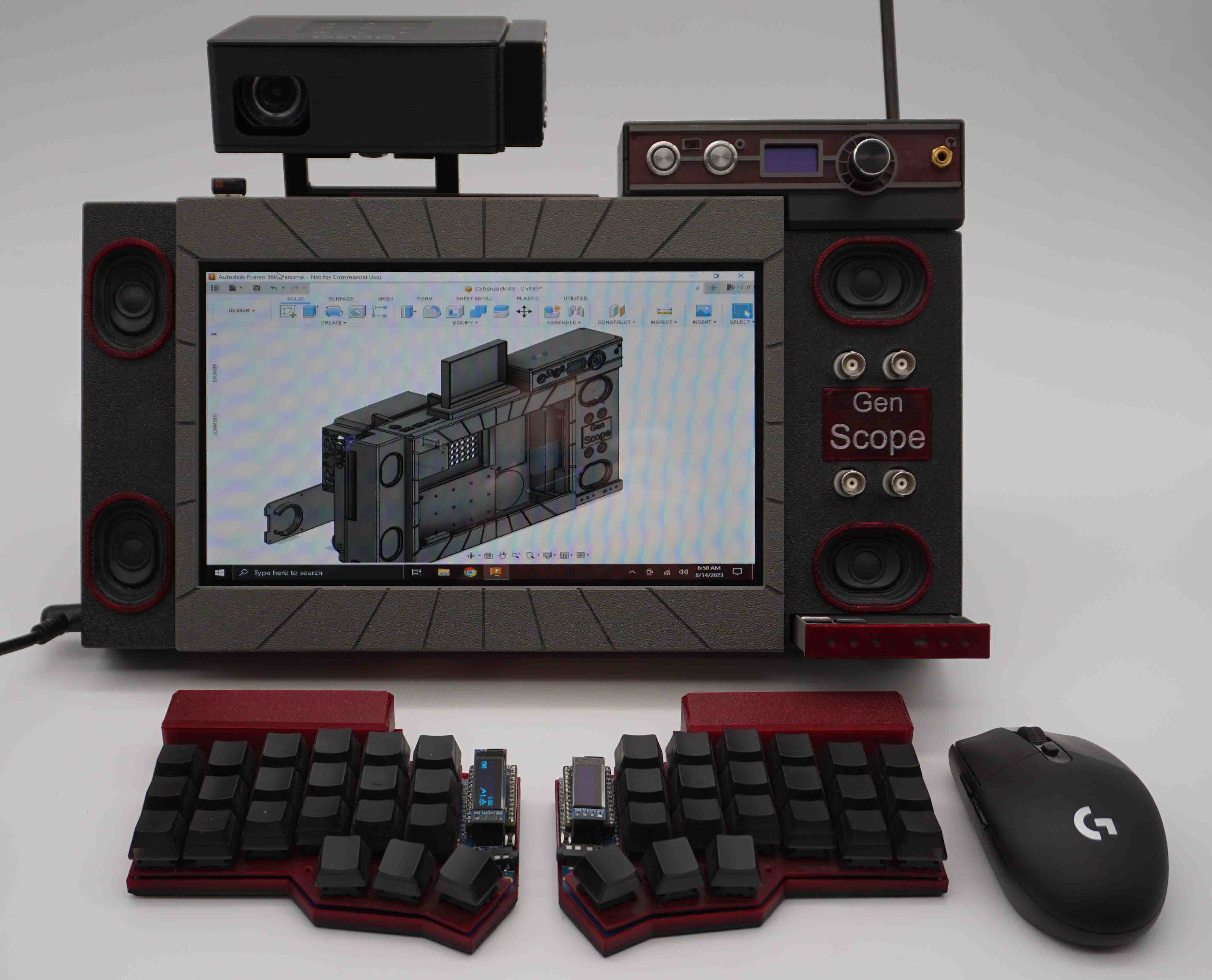
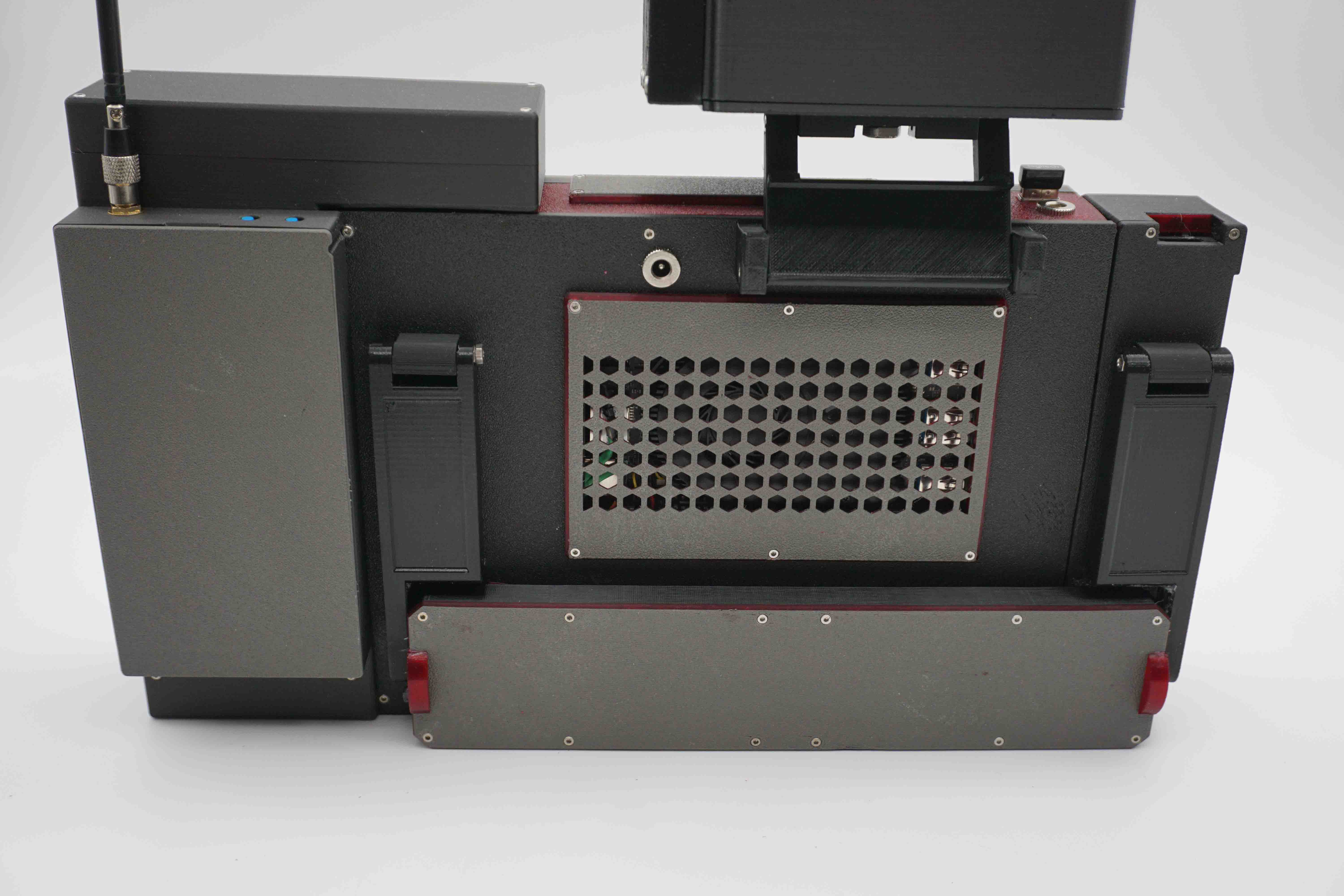
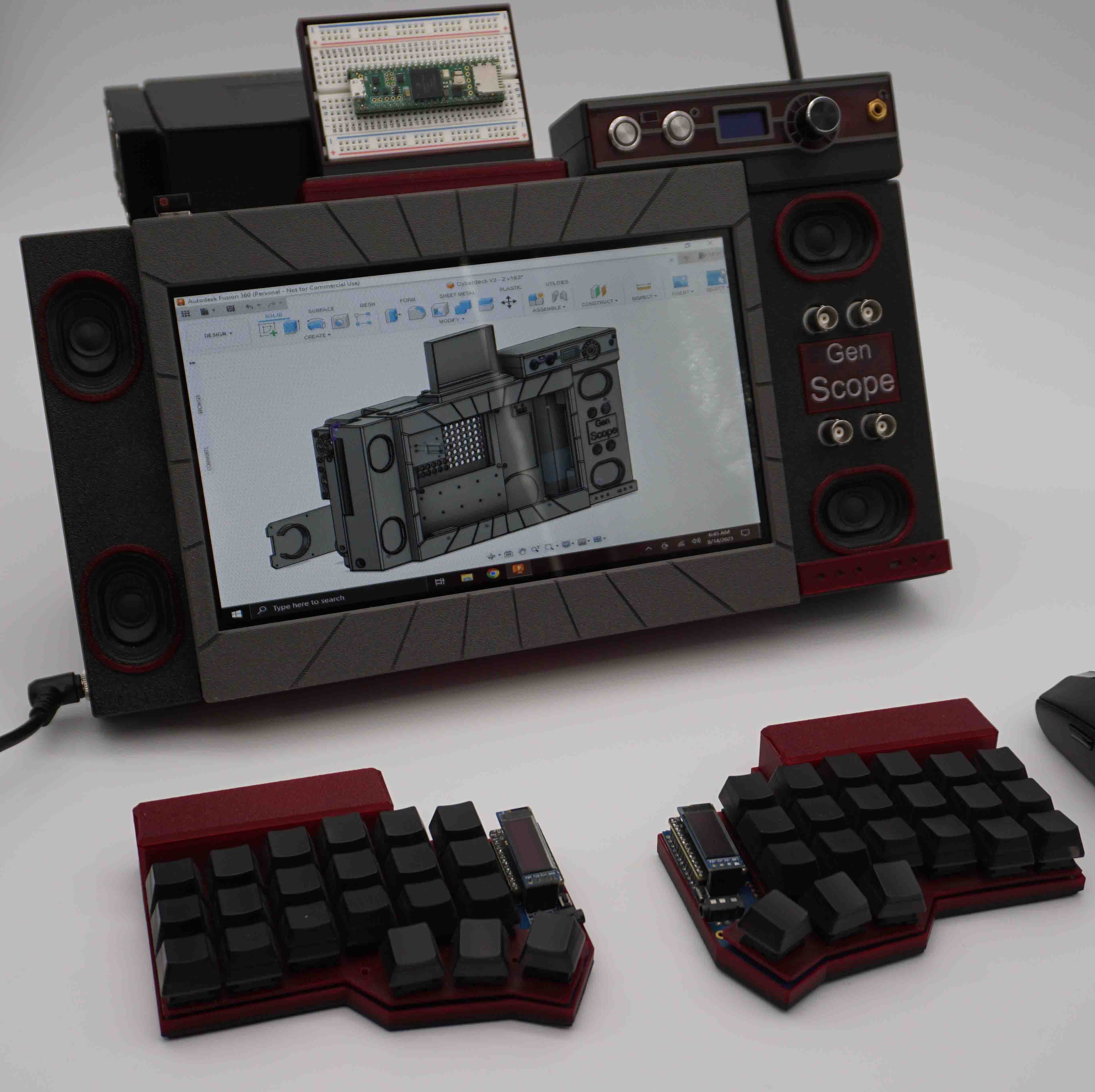
Probably my favorite thing about this deck is the speaker system. The stand has exciters built into it which turns the table it sits on into a big speaker. It is surprisingly loud and has good bass.
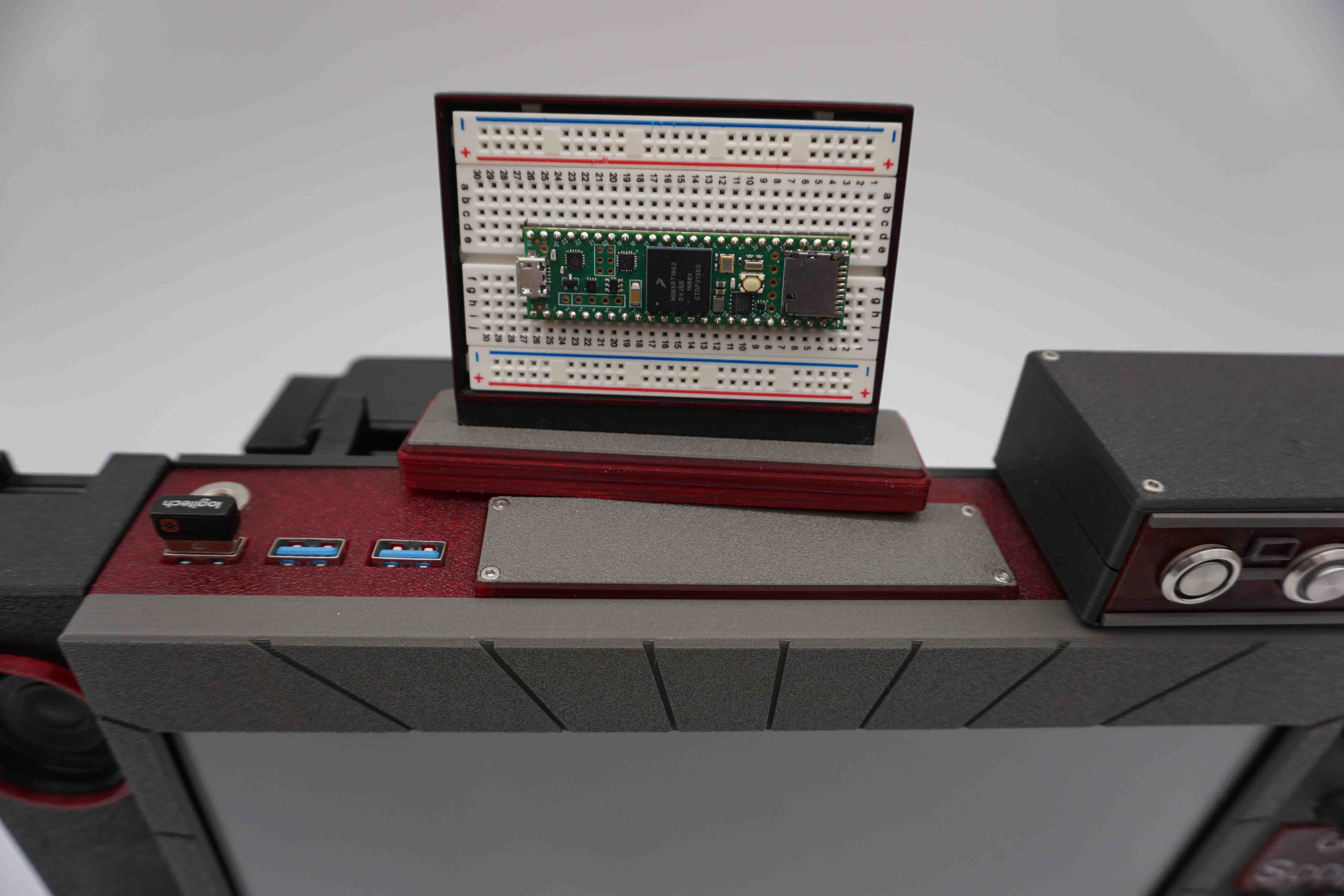
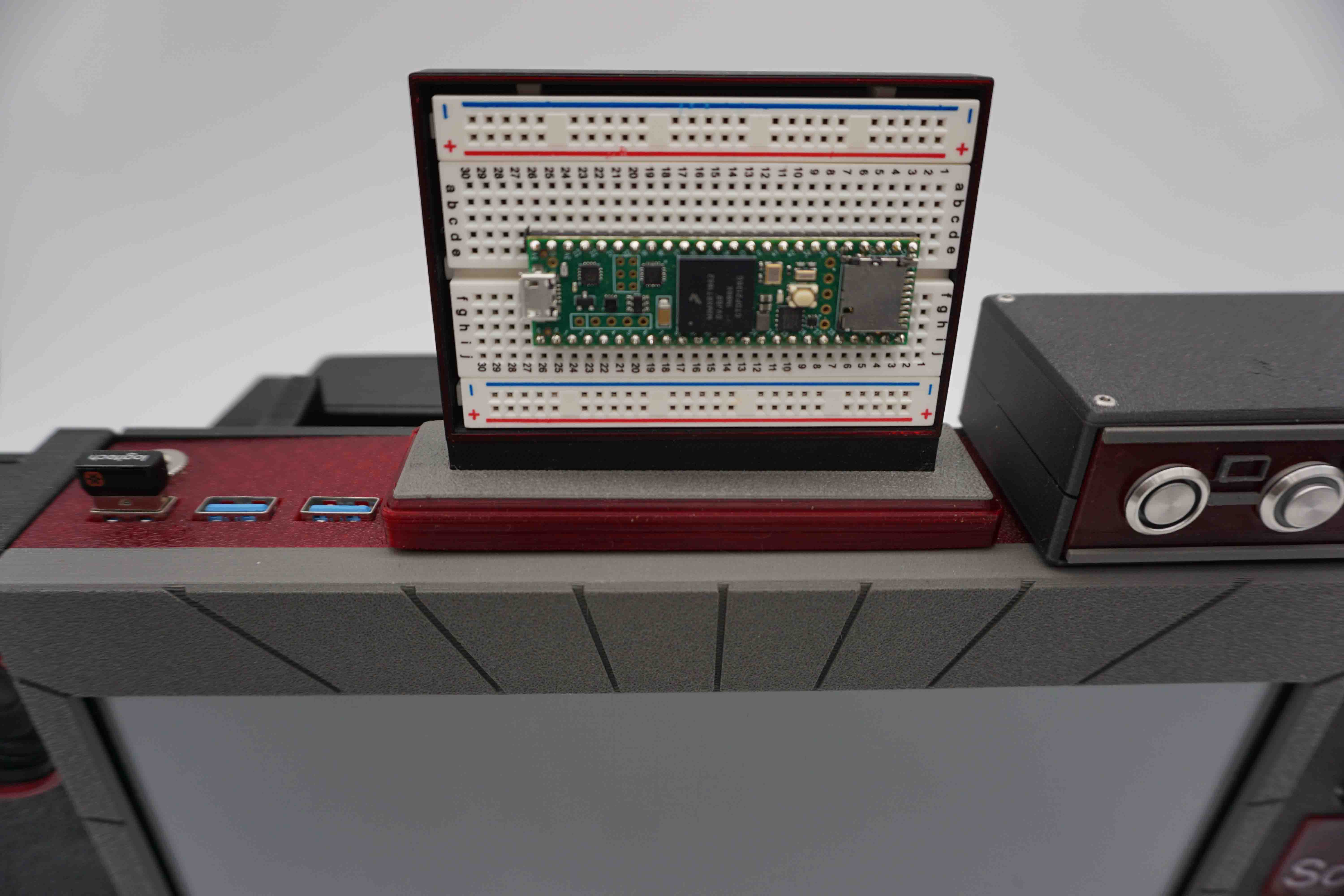
Modular microcontrollers
The top has a magnetic mount which can hold swappable breadboards to switch between multiple projects. This is the same Teensy that was in the images for Cyberdeck Red V1 from a year ago, still with nothing actually breadboarded.
Projector
The projector I used for the first version of this deck was alright, but what I really needed was a short throw projector so that I could be closer to the wall and still have a decent sized image.
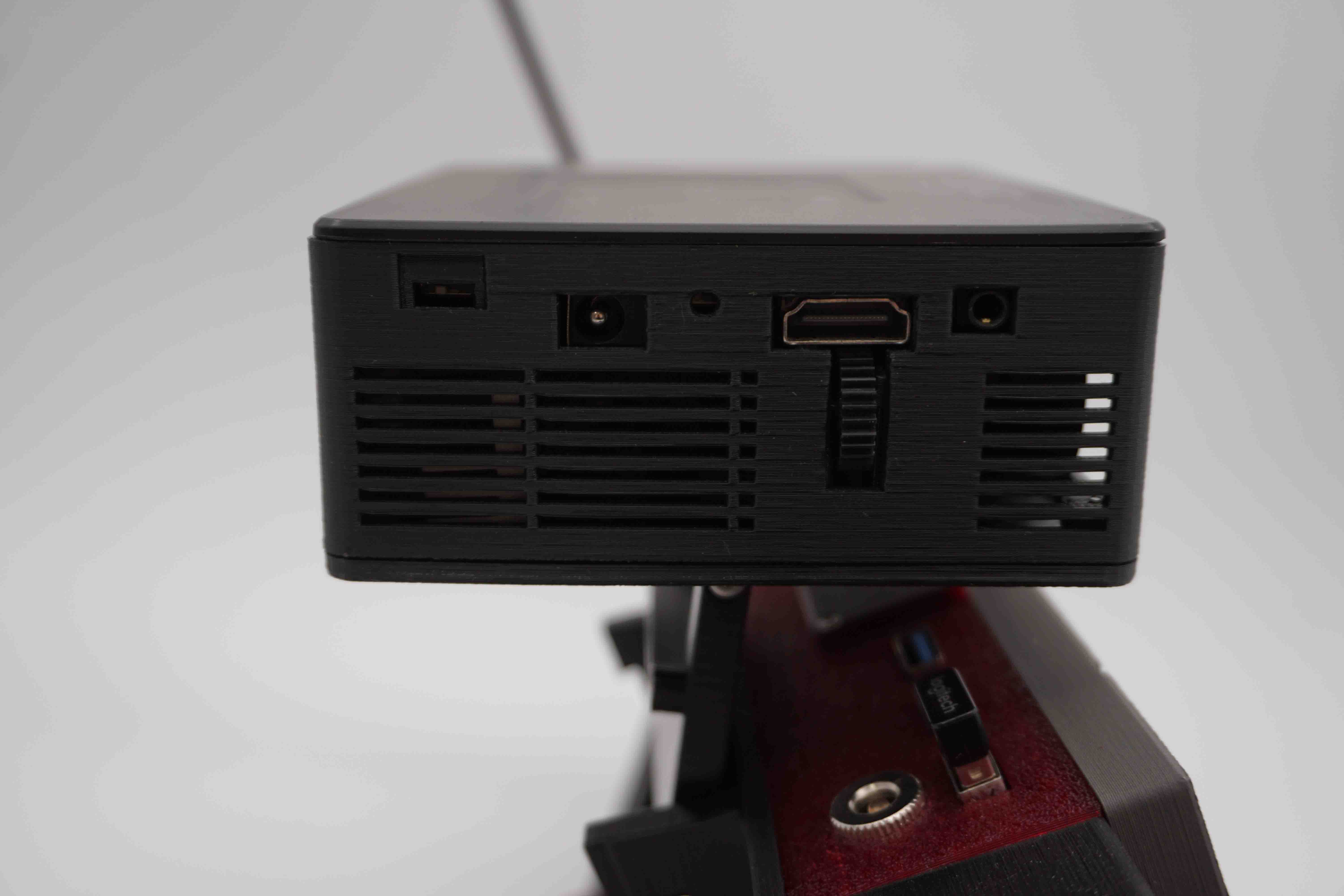
It was replaced with an AAXA P400 Short Throw Mini Projector. It originally had batteries and a speaker in it, and was a lot thicker than I wanted it to be. I thus remodeled the case.
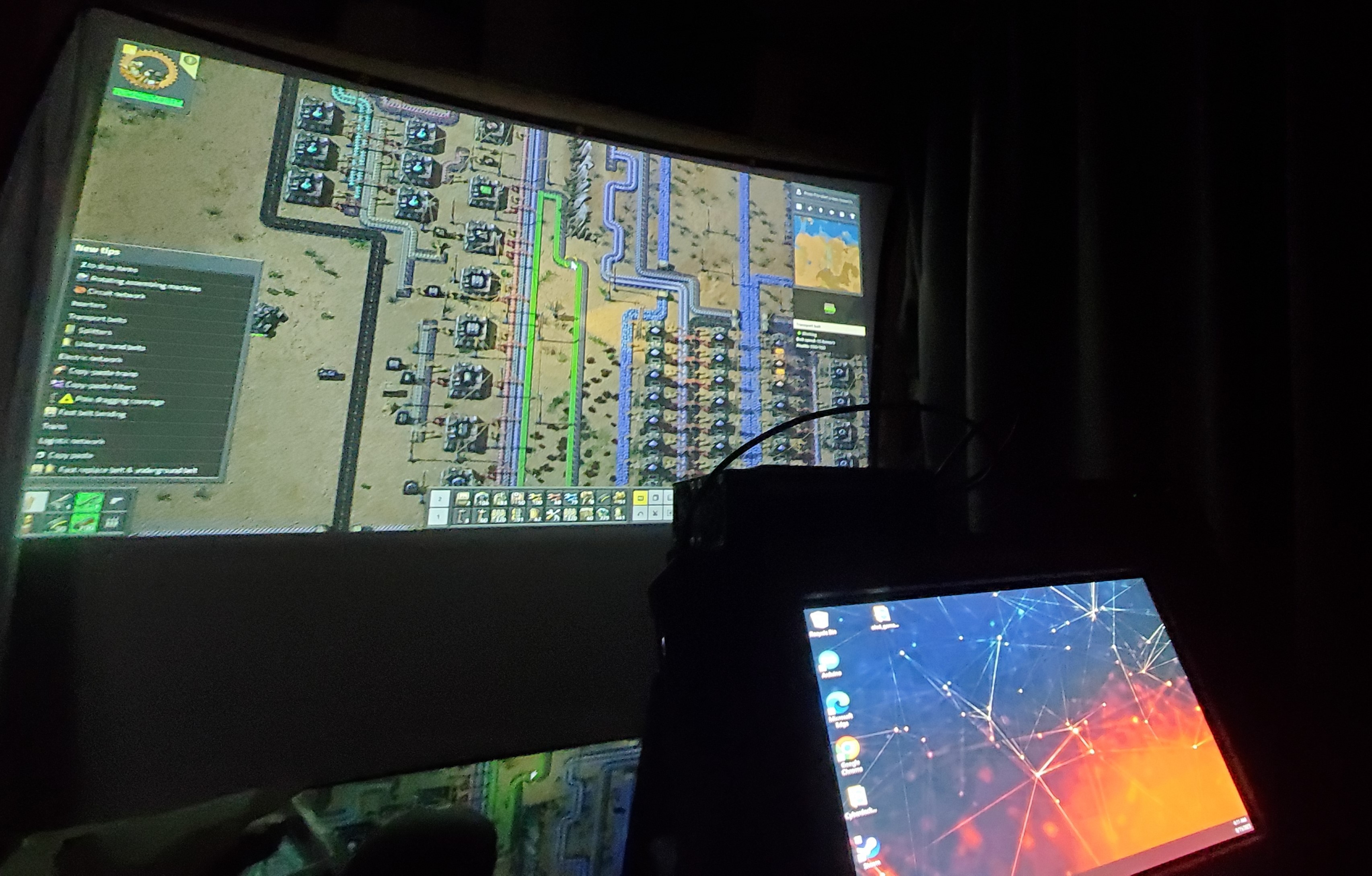
The projector can be pointed forwards, backwards, or straight up. It can also be folded away.
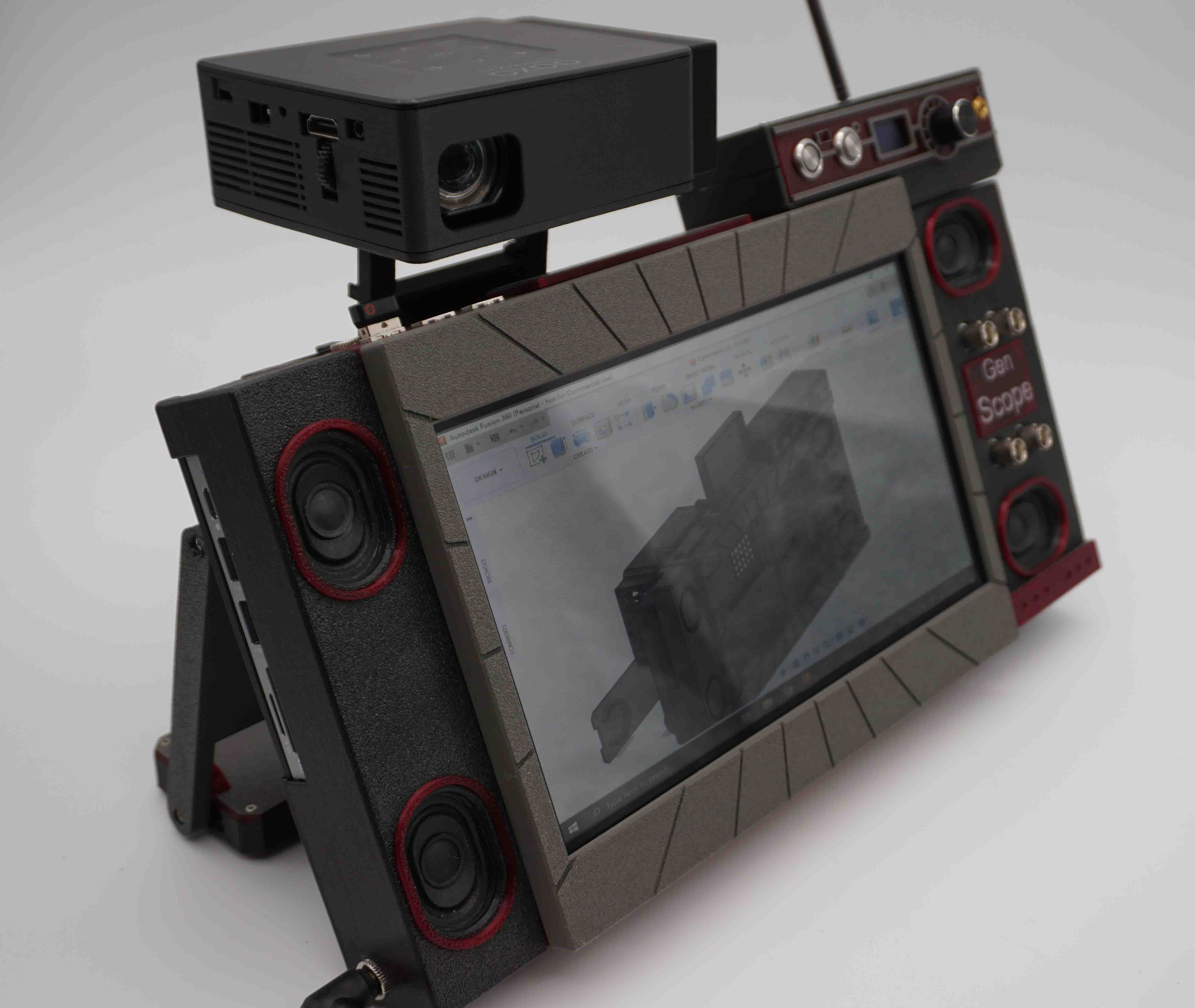
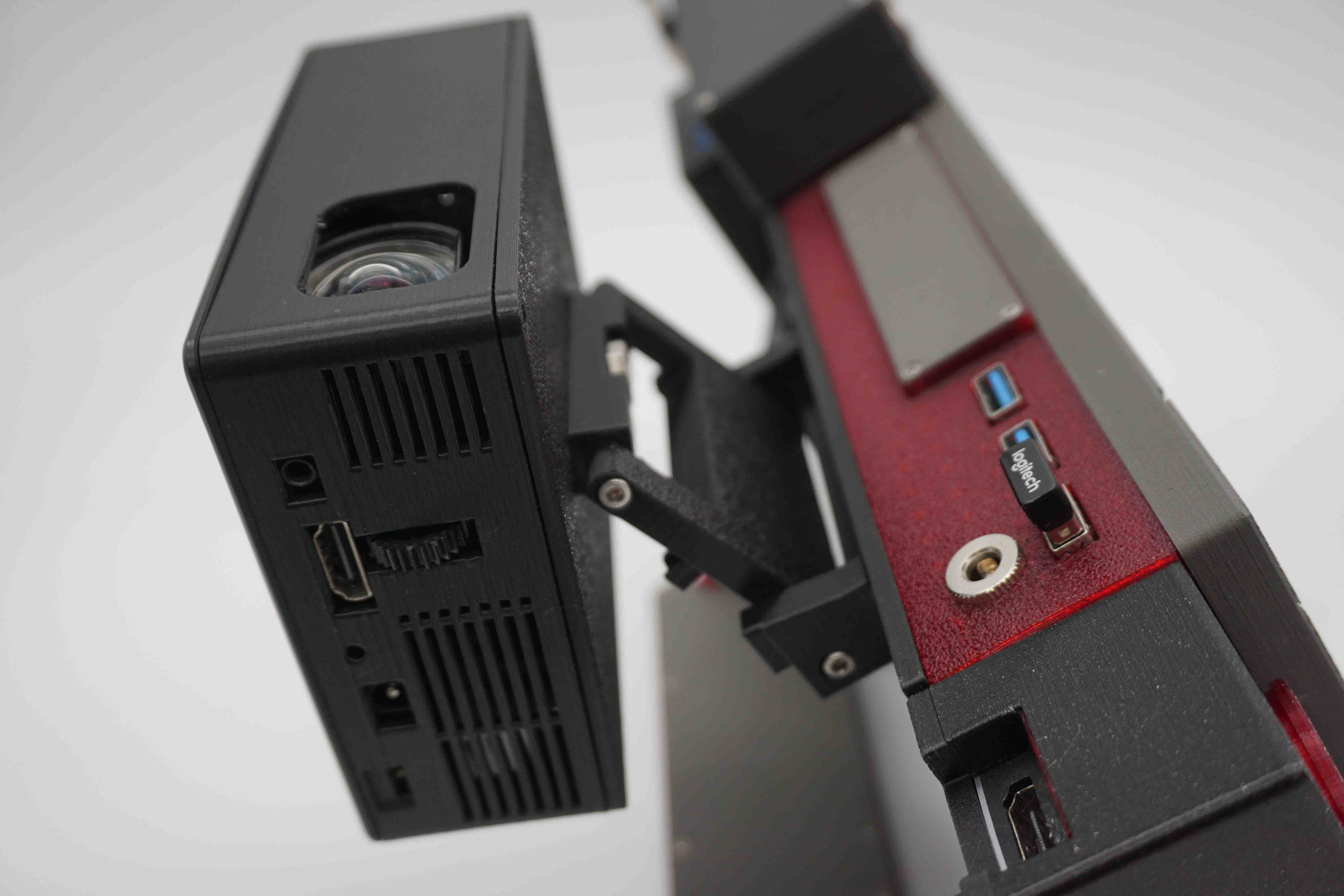
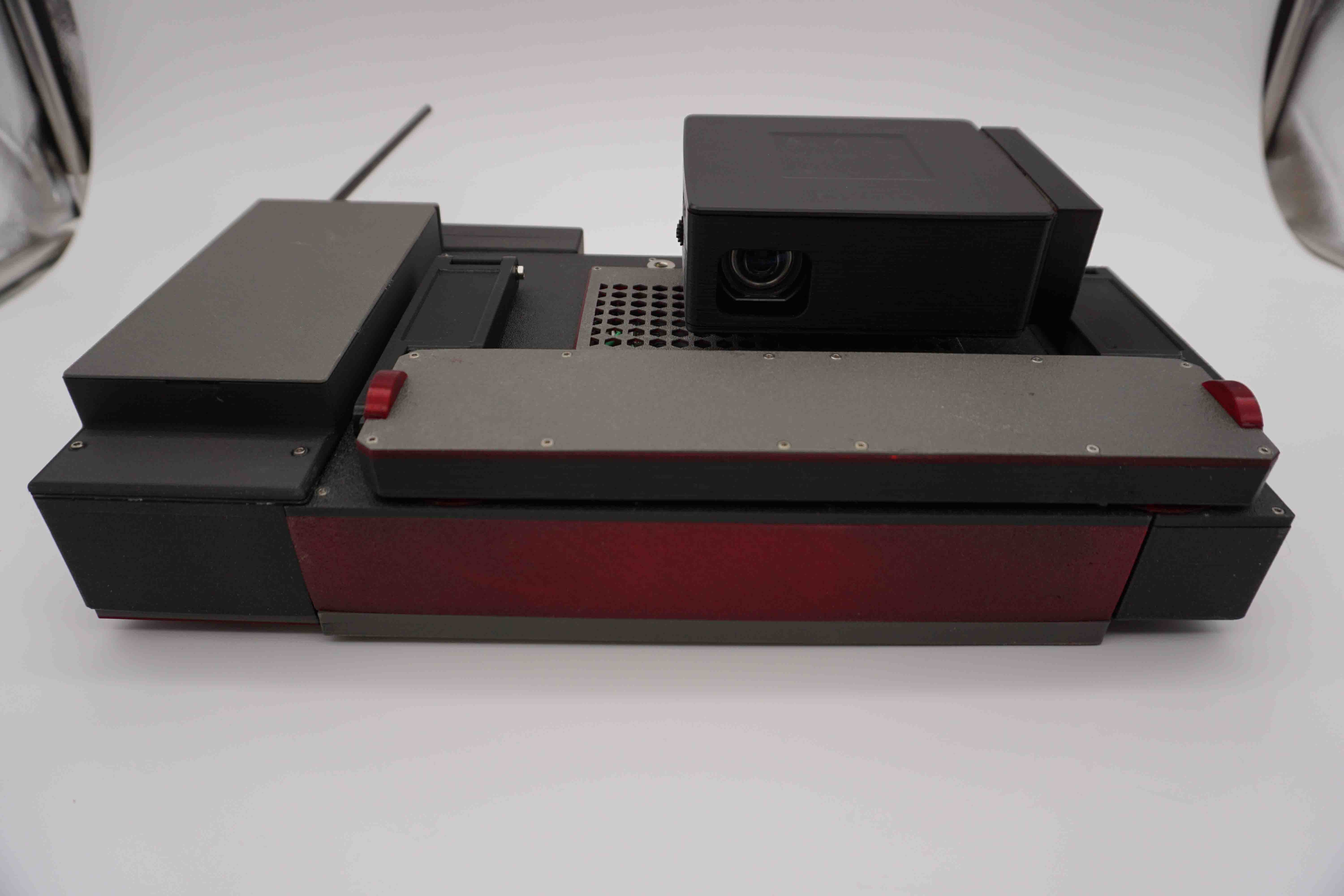
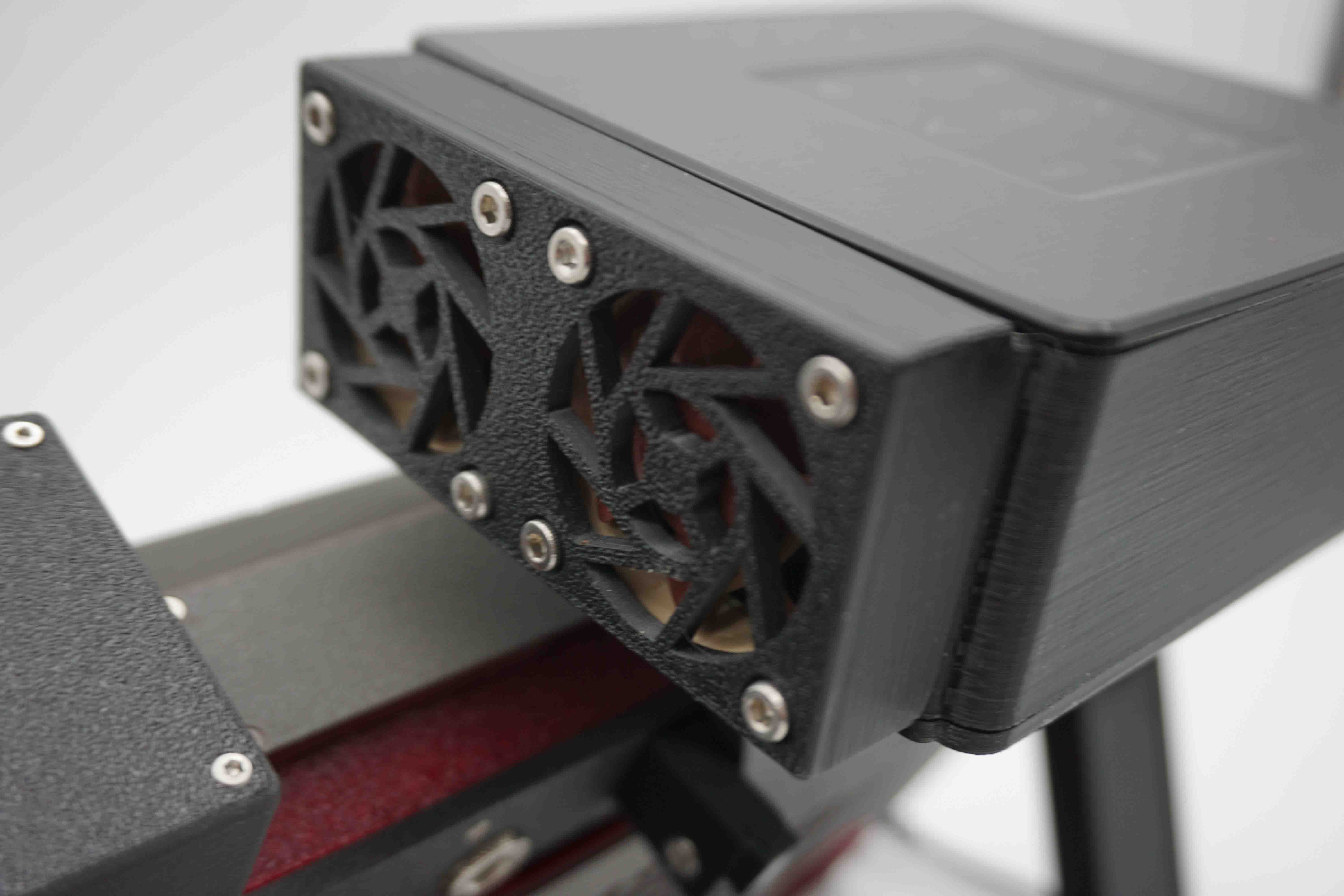
Look at all the ports I had to model. This was rage inducing. The original fans were obnoxiously loud, so they were replaced with Noctua's which are nice and quiet-ish.
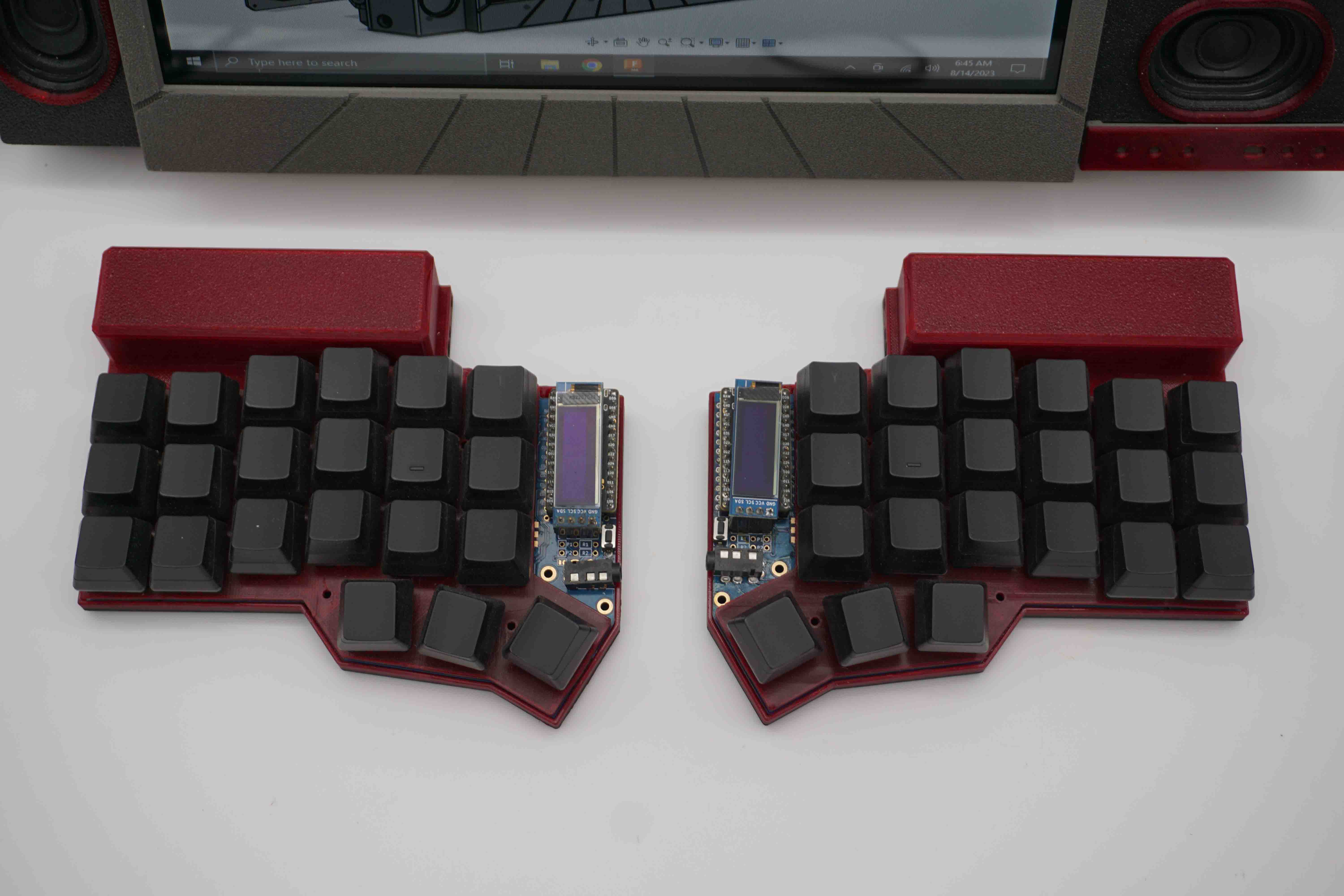
Keyboard
The keyboard is a Corne split keyboard with Bluetooth Nice!Nano boards to make both sides wireless. I replaced the original batteries with 18650s which sit in a normal battery holder to be swapped out and recharged when needed. The typing action is super smooth.
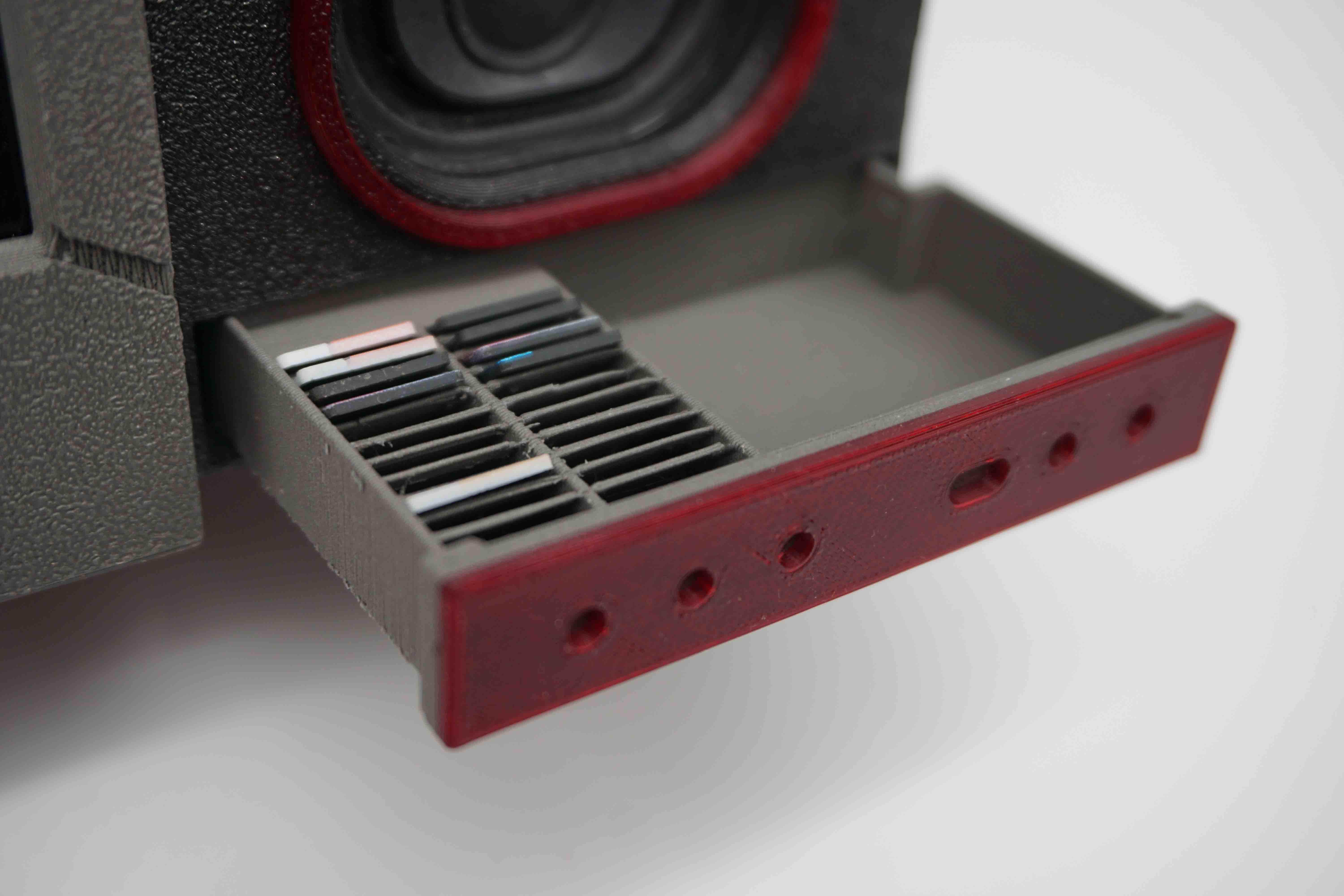
SD card drawer
Here is a secret SD card drawer that no one knows about.
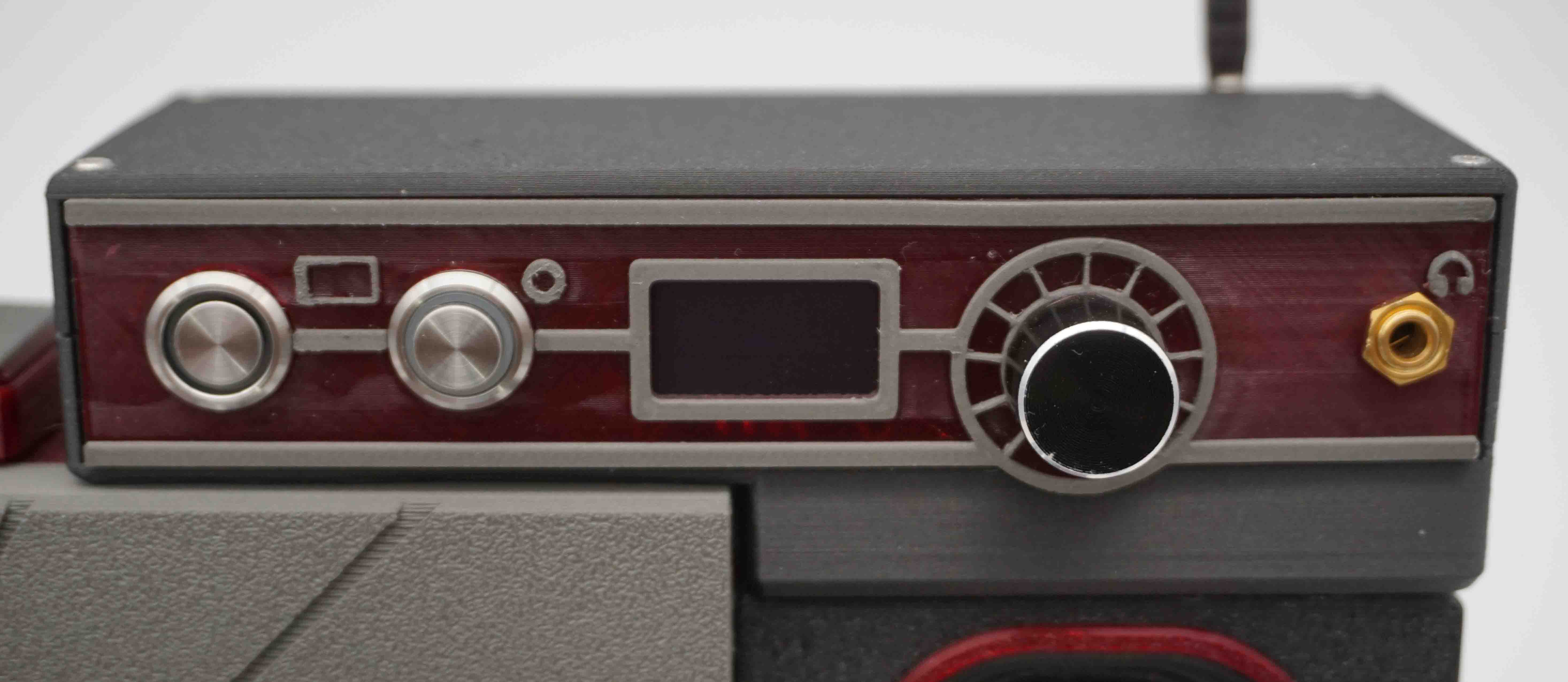
Controls panel
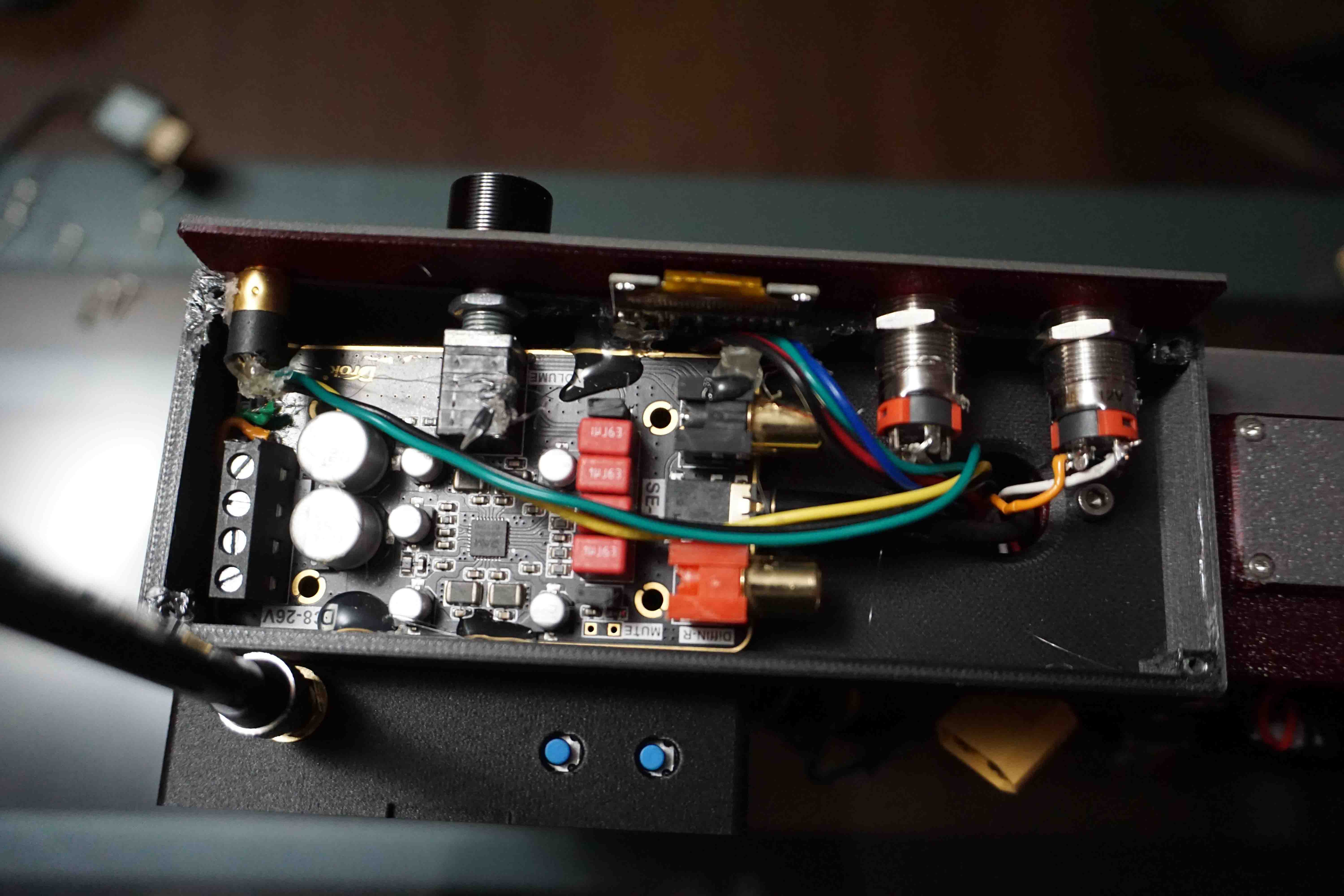
Having actual tactile buttons and knobs is always nice. There is even an OLED built in, which decided to stop working for no reason right before I took the pictures.
Top view
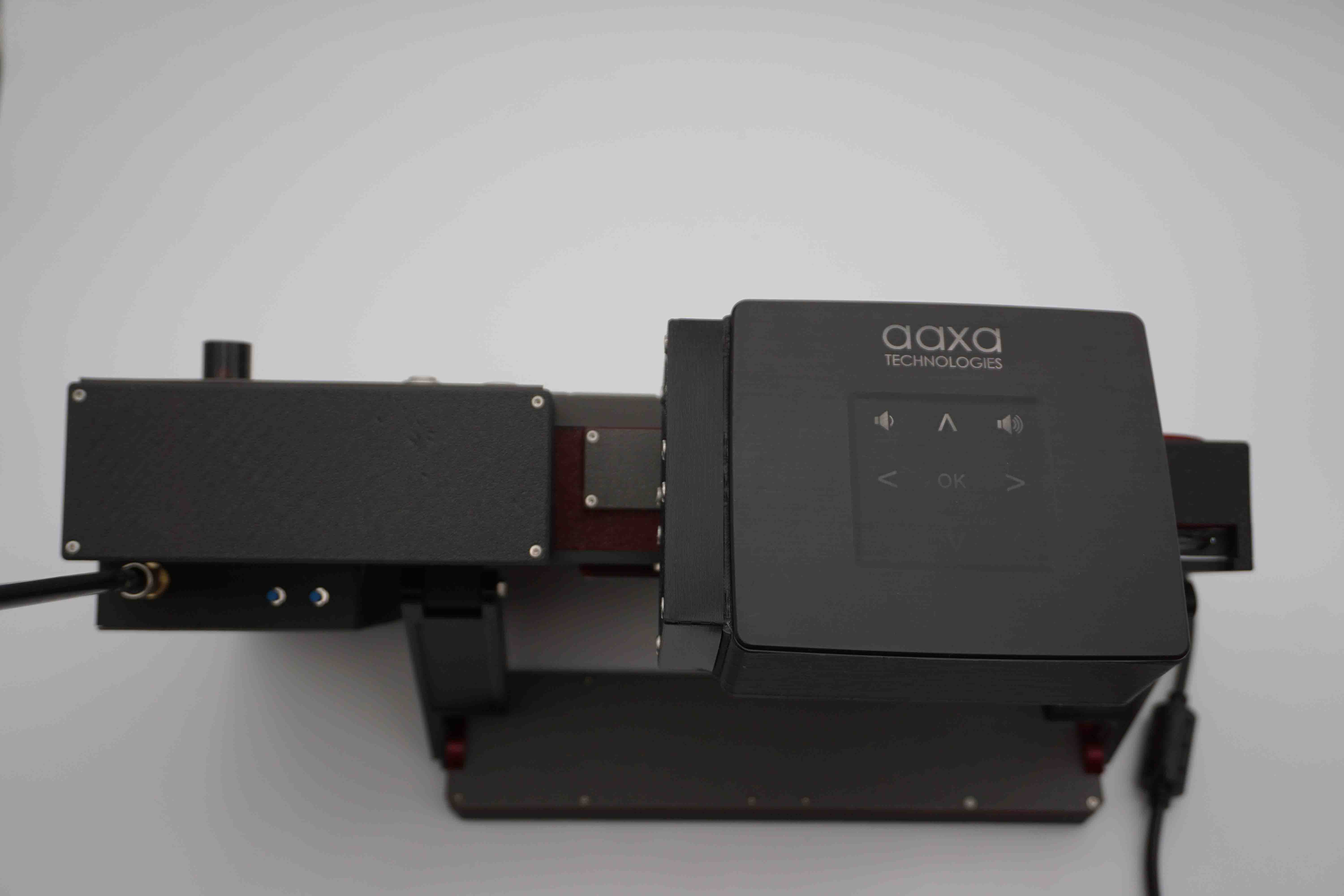
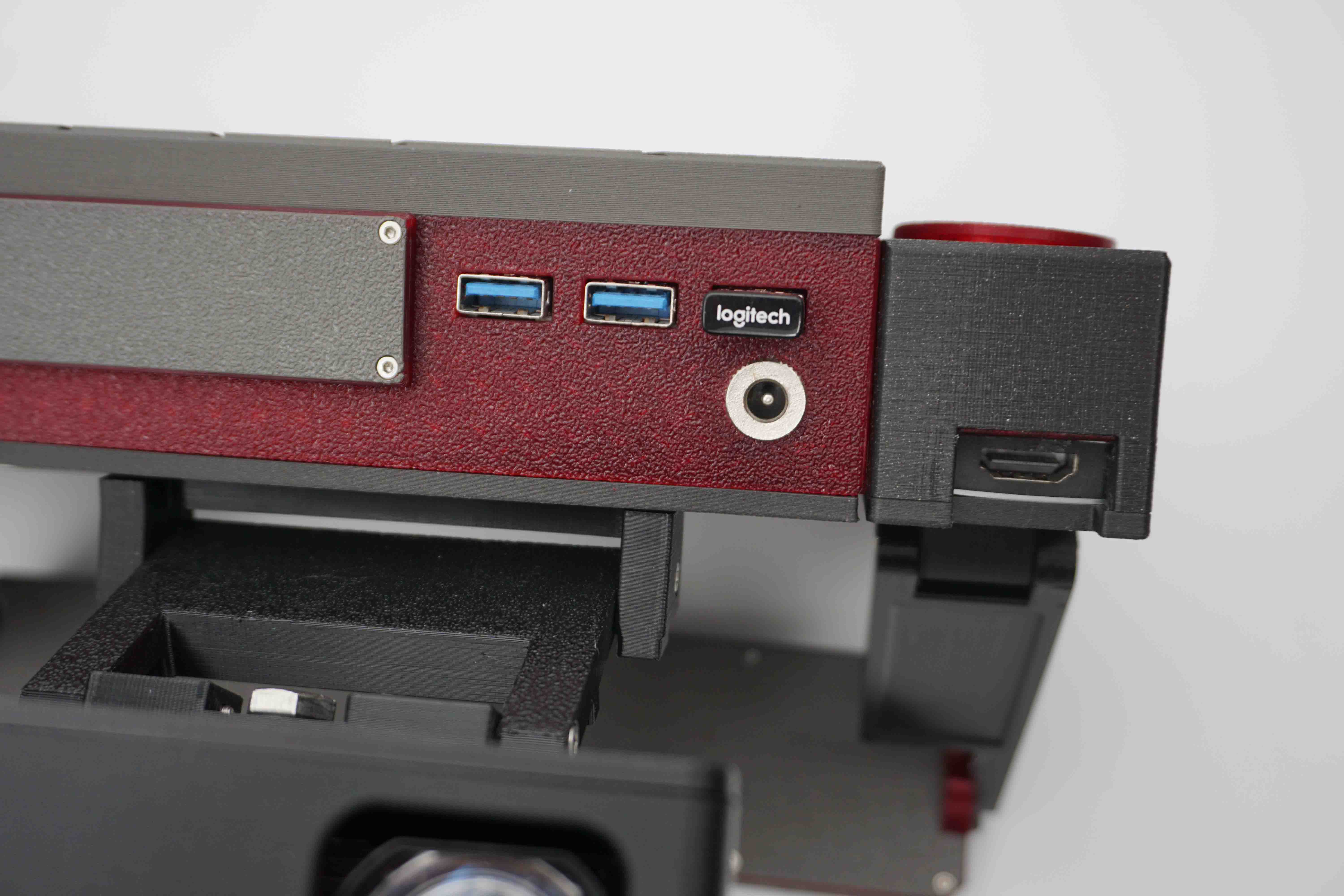
Top ports
Here are some USB ports which are opto-isolated for safety, and an unfused 12VDC power output. An HDMI output is on the right for adding a second monitor or the projector.
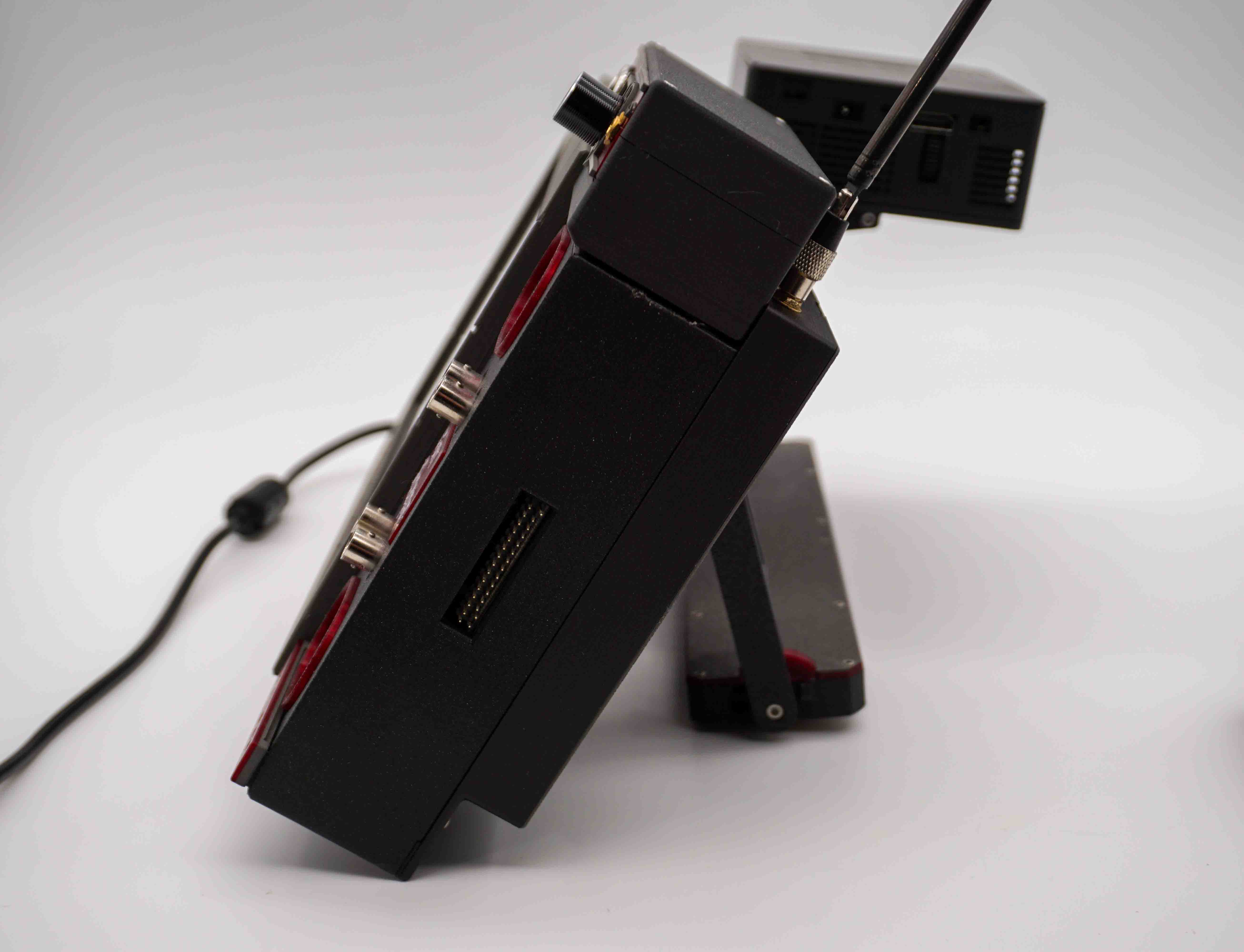
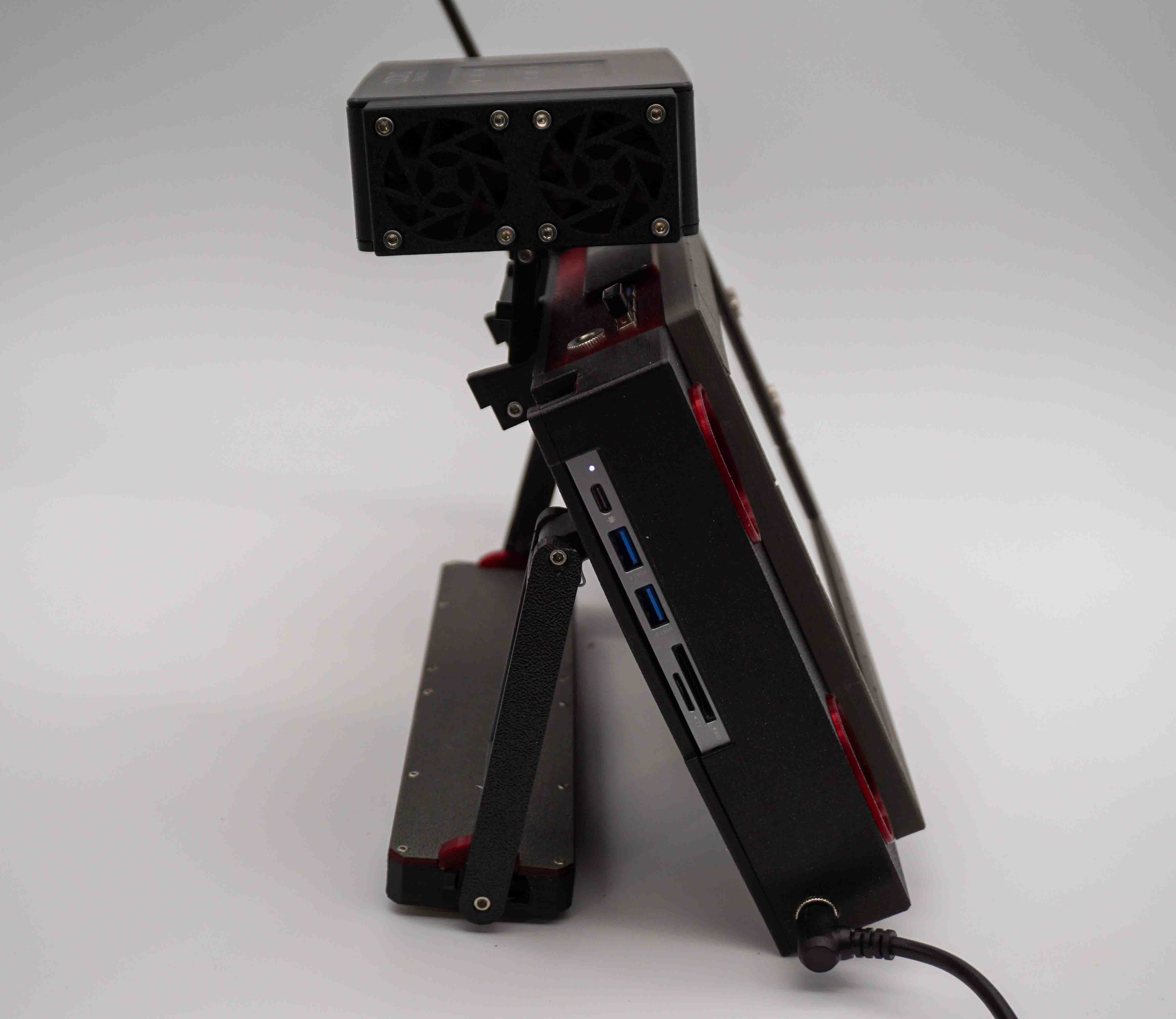
Right and left sides
Not much to see on the right aside from the pins for the Analog Discovery 2. The left side has USB ports and SD card slots.
Wiring
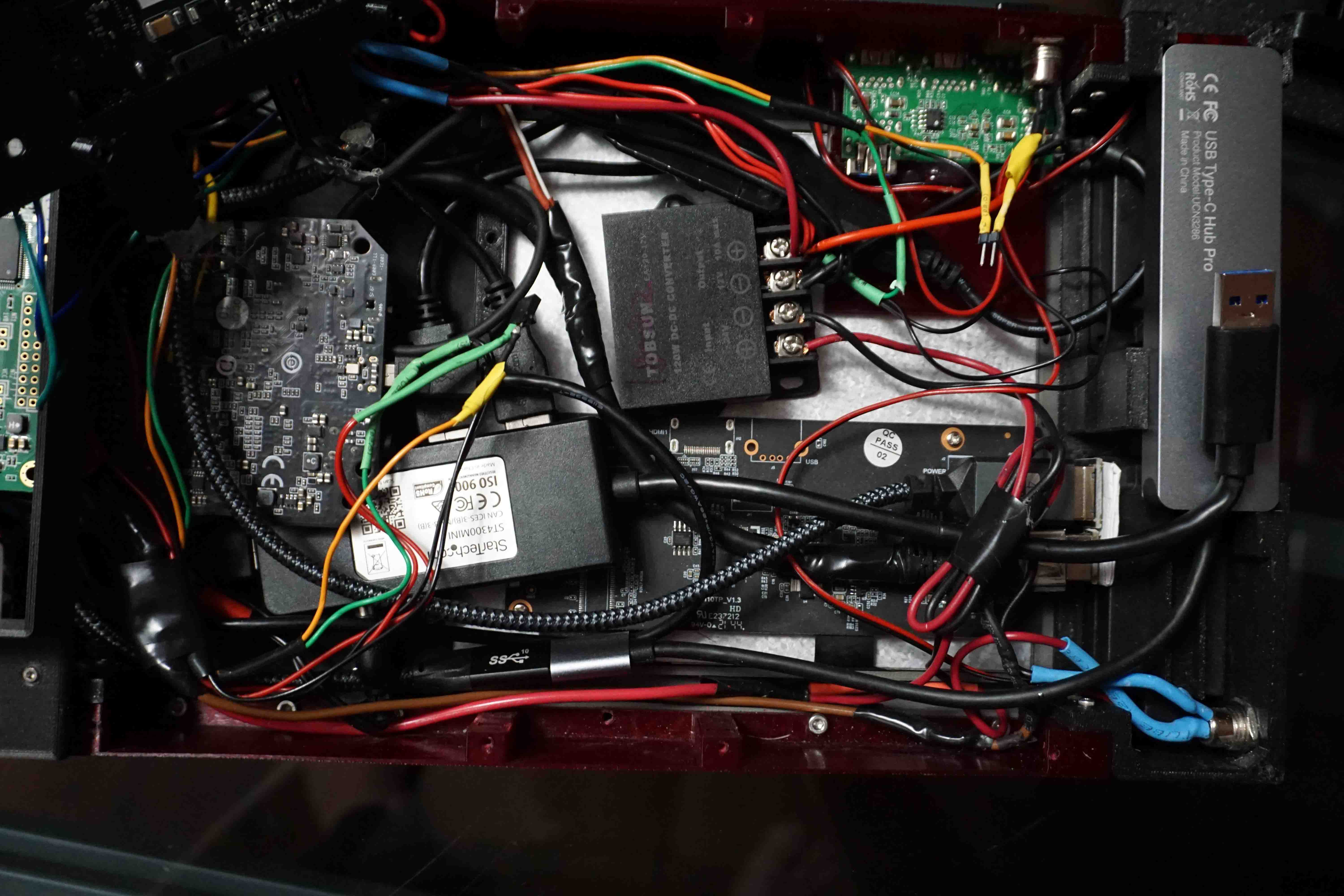
My wire management uses the "If it fits it sits" method. Even though it probably looks a bit convoluted, it's wired mostly using just USB cables.
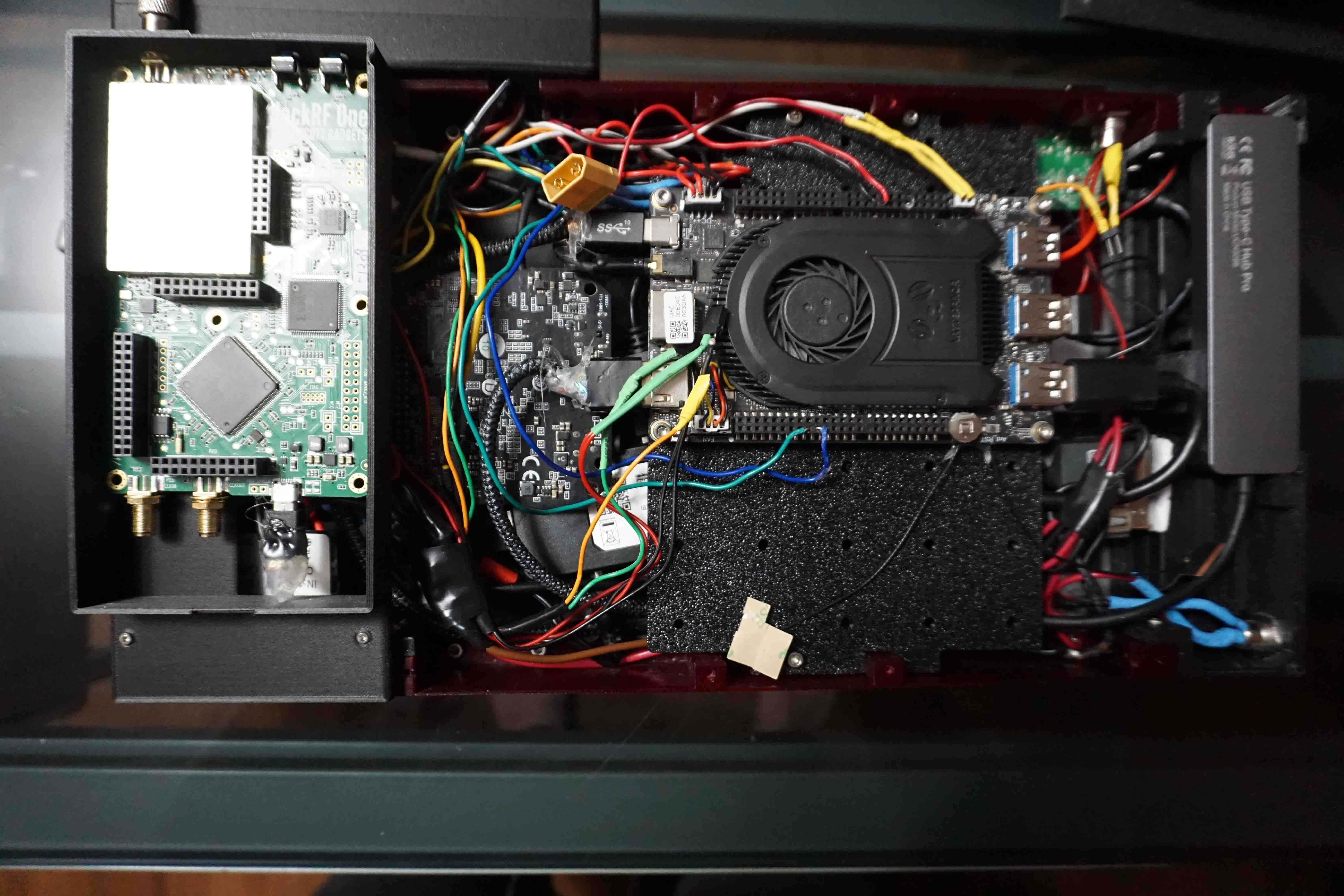
There are power regulators to take the 24VDC input down to 12VDC and 5VDC. I also added an Adafruit USB isolator board to the USB outputs I use for programming microcontrollers.
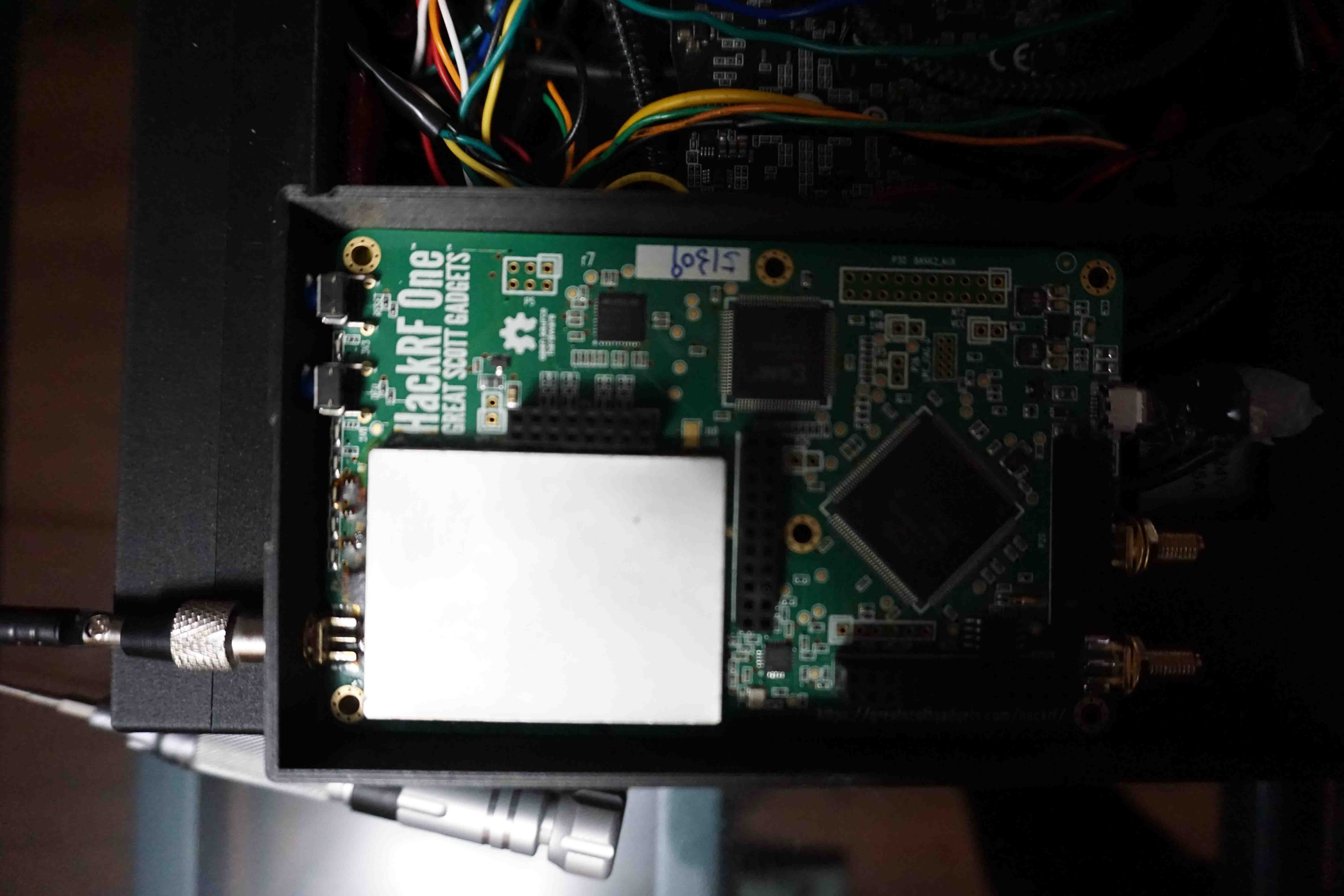
There's also a Hack RF One on top of an Analog Discovery 2.